The best way to watch TV.

TV · Phone · Tablet · always in syncPC to follow

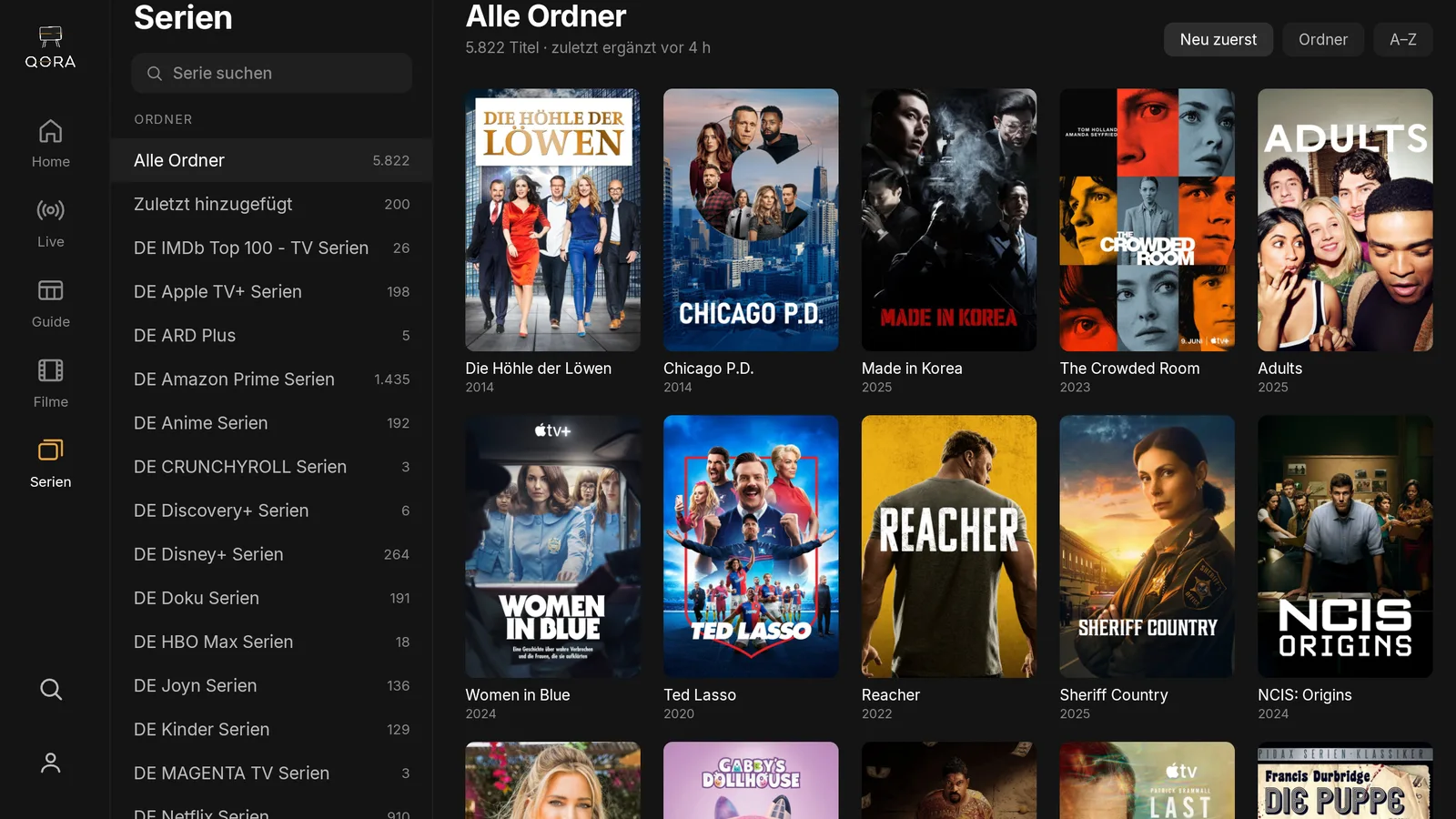
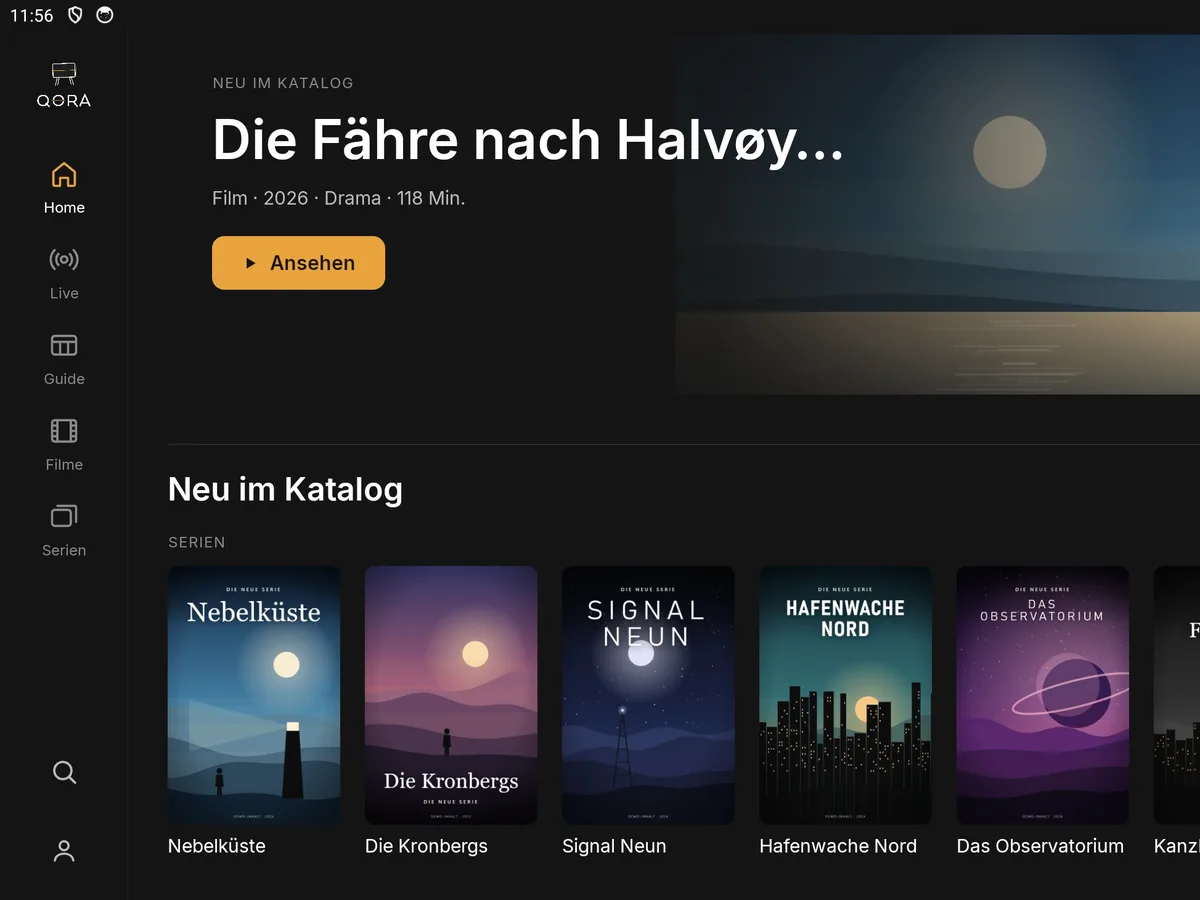
Your channels, movies, and shows in one interface. The same on your TV, phone, and tablet.

QORA doesn't provide channels, movies, or shows. You bring your own provider.

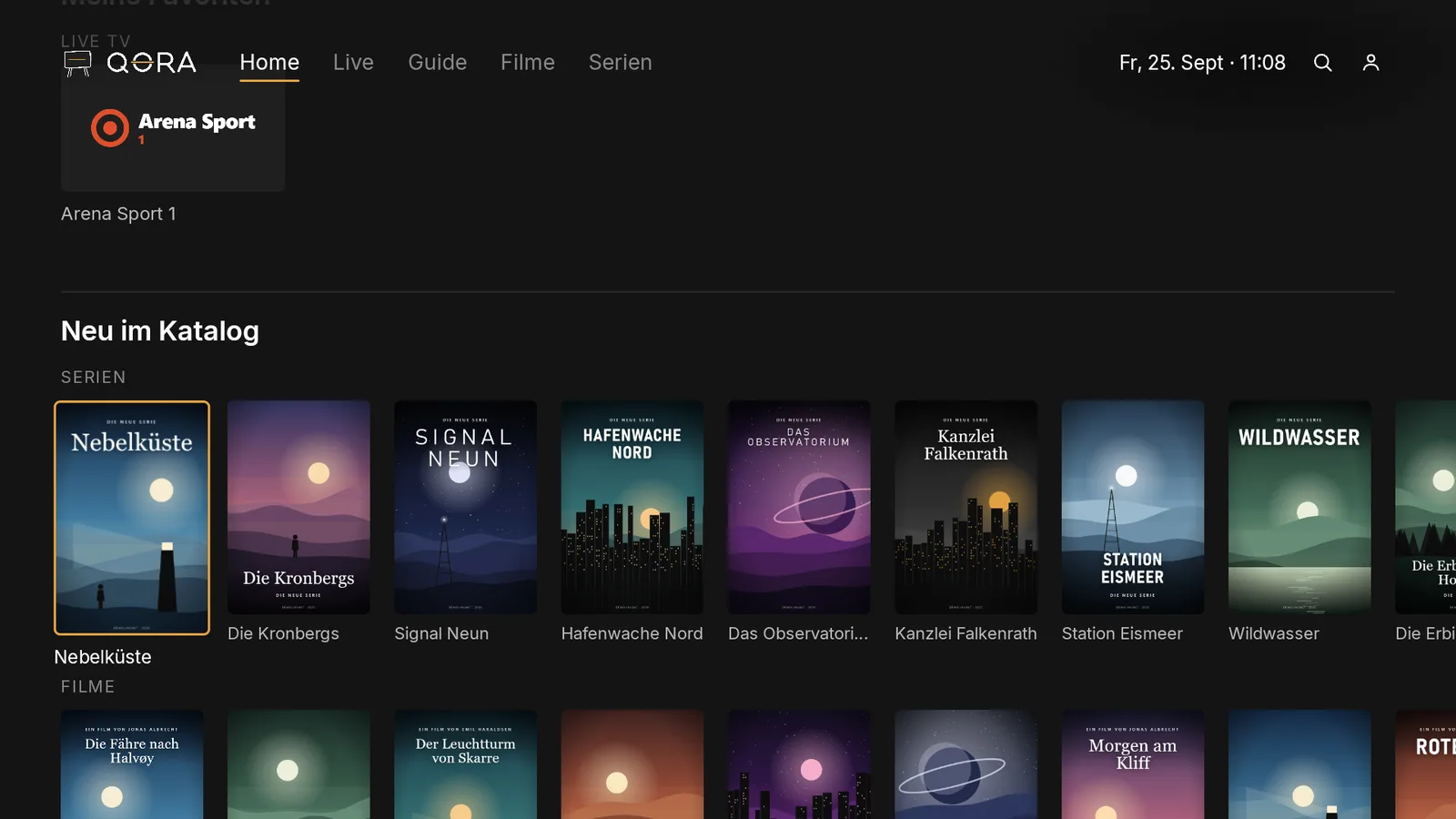
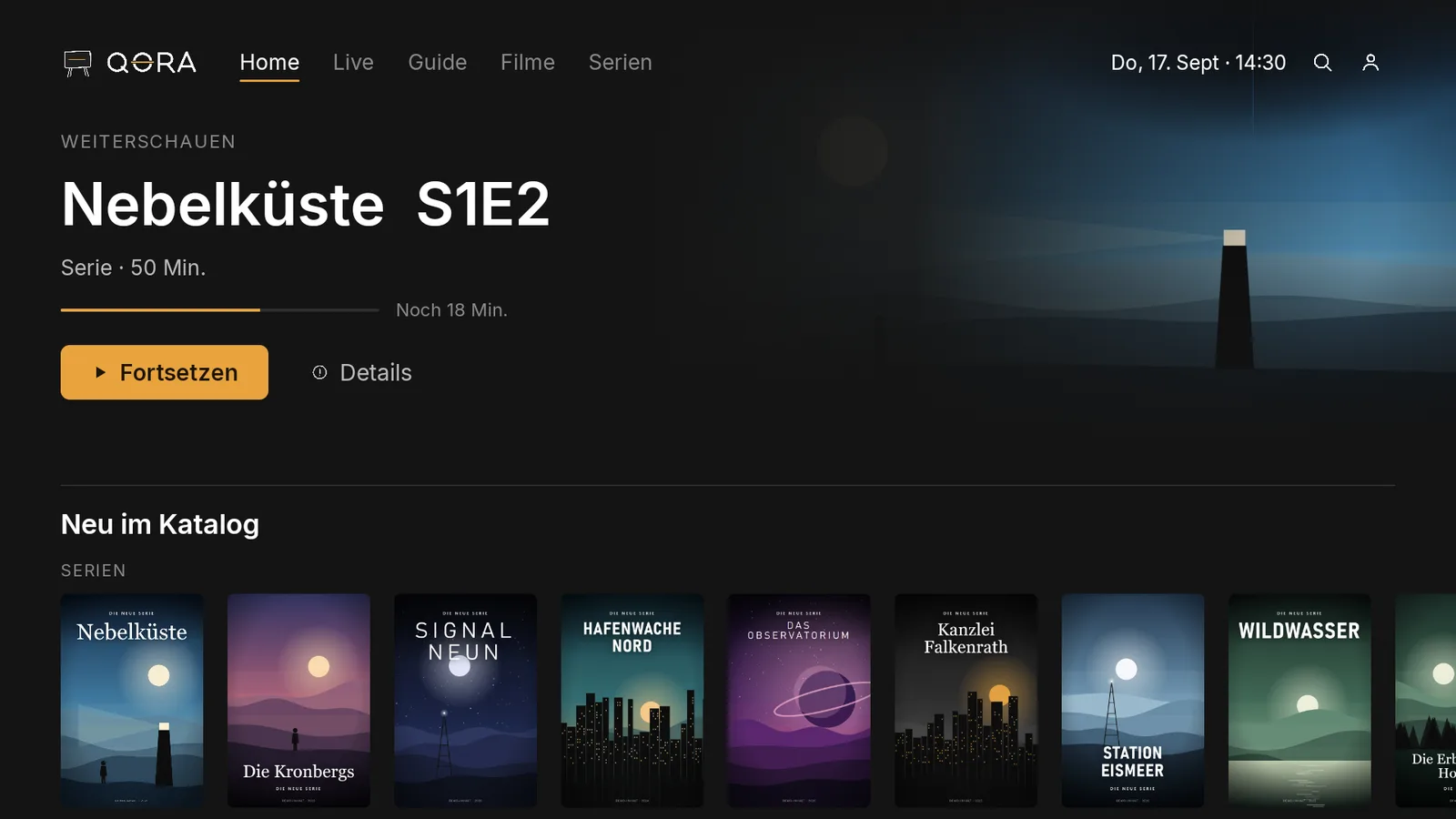
App home screen on TV, large title image on top, row „New in catalog“ below
Devices

The same, everywhere.

You pause on the TV, and the tablet and phone already know where you left off. The interface looks and works the same on every device.

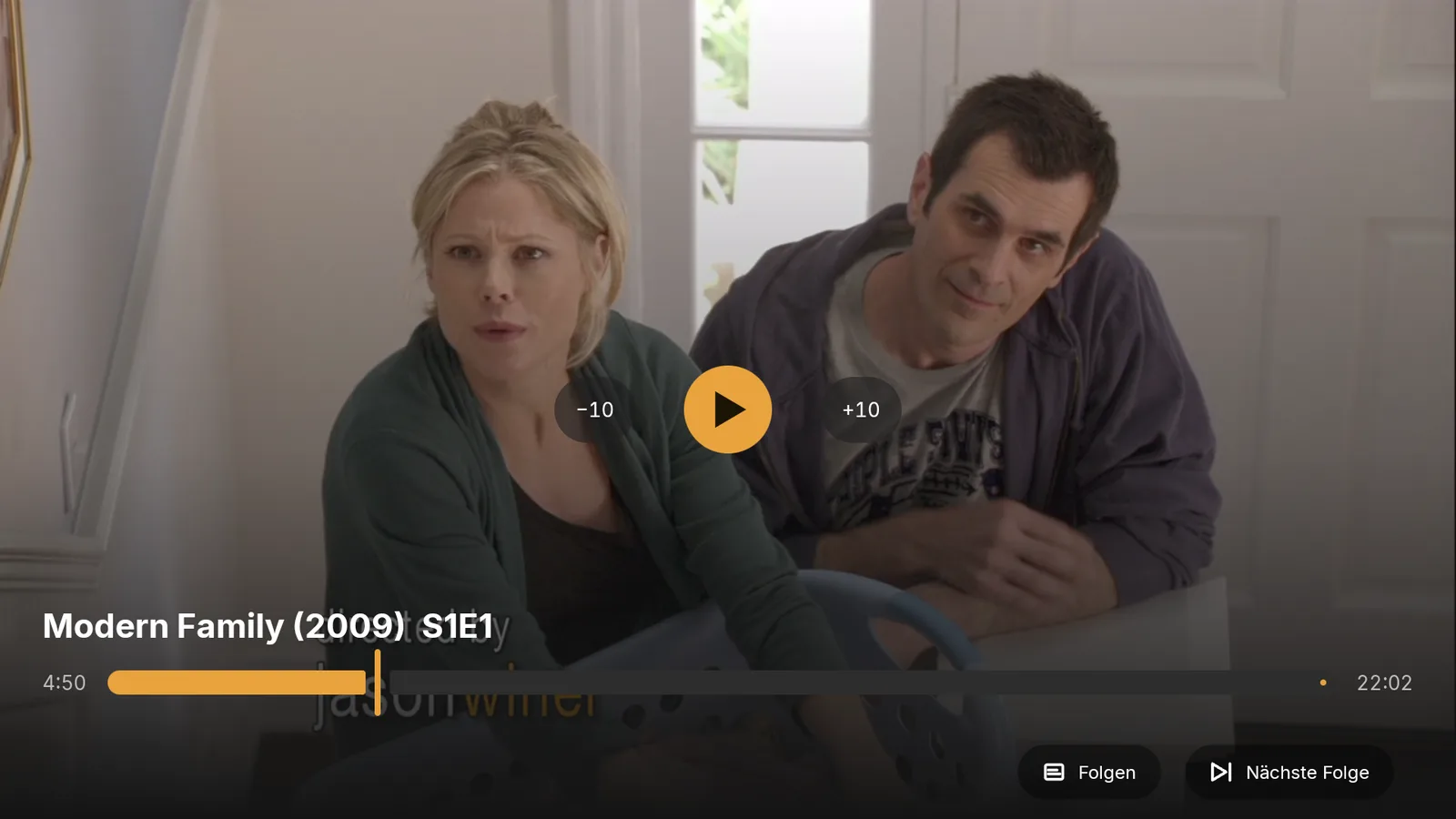
Movie playing on TV, playback bar at the bottom
Playing 00:00 / 22:02
TV
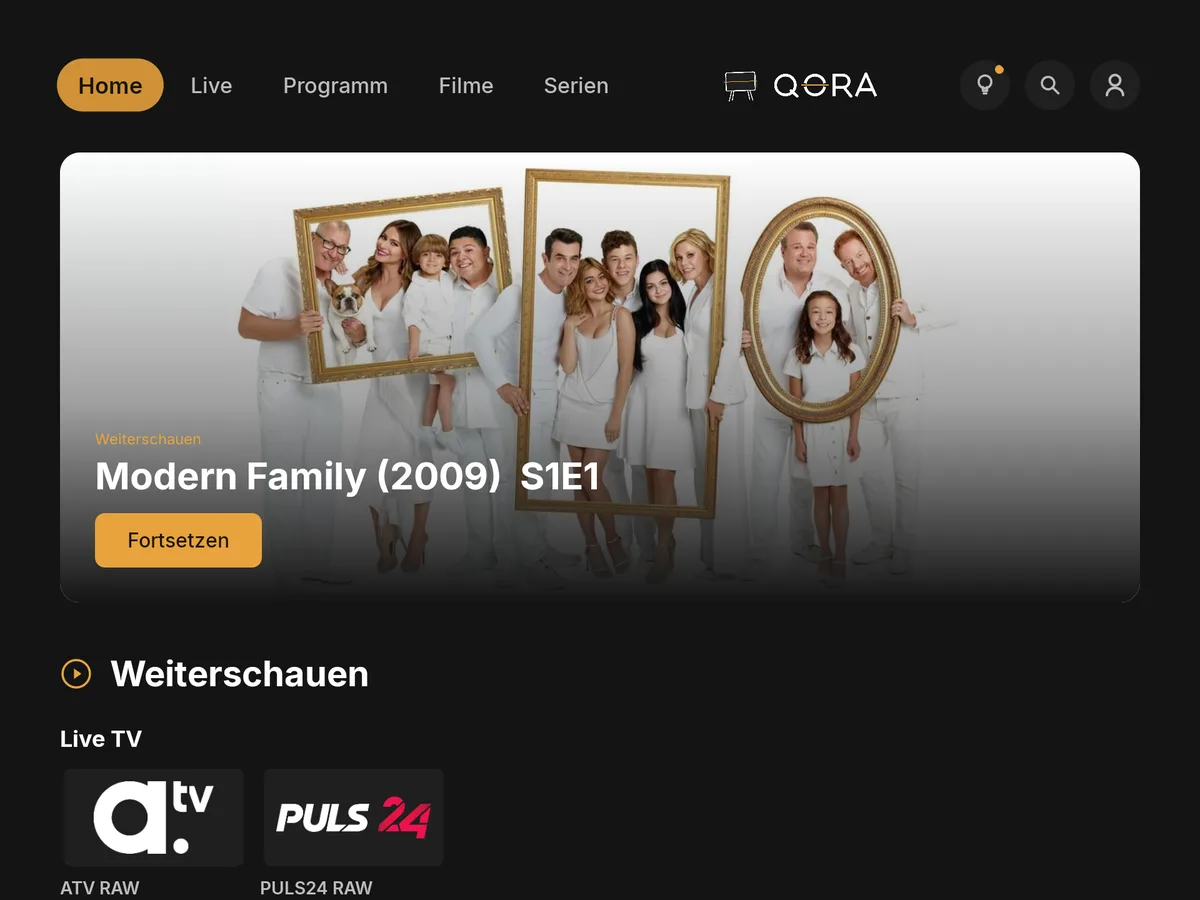
same movie continues on the tablet
Playing 00:00 / 22:02
Tablet
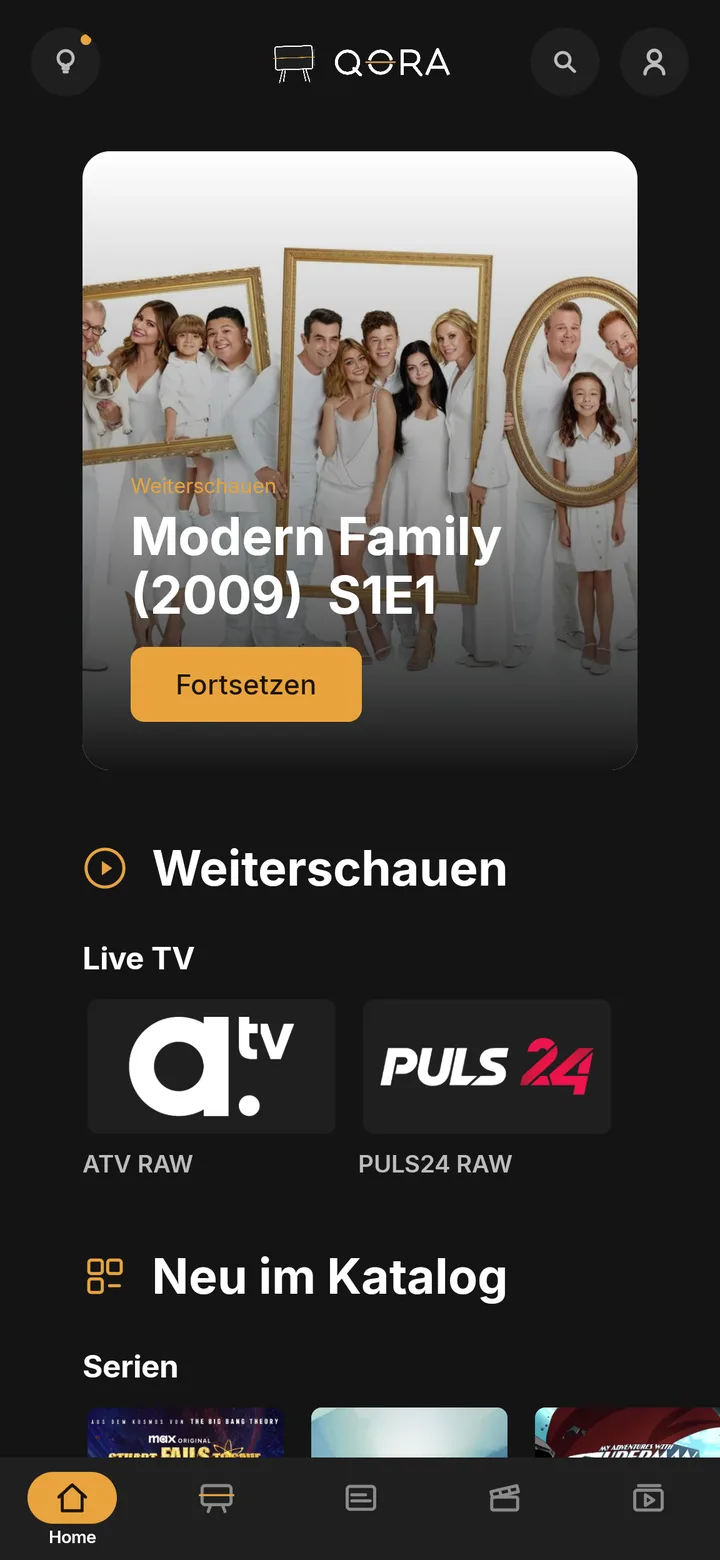
same movie continues on the phone
Playing 00:00
Phone

One episode, three devices, one spot. With QORA Plus.

Features

What's inside.

01 / 08
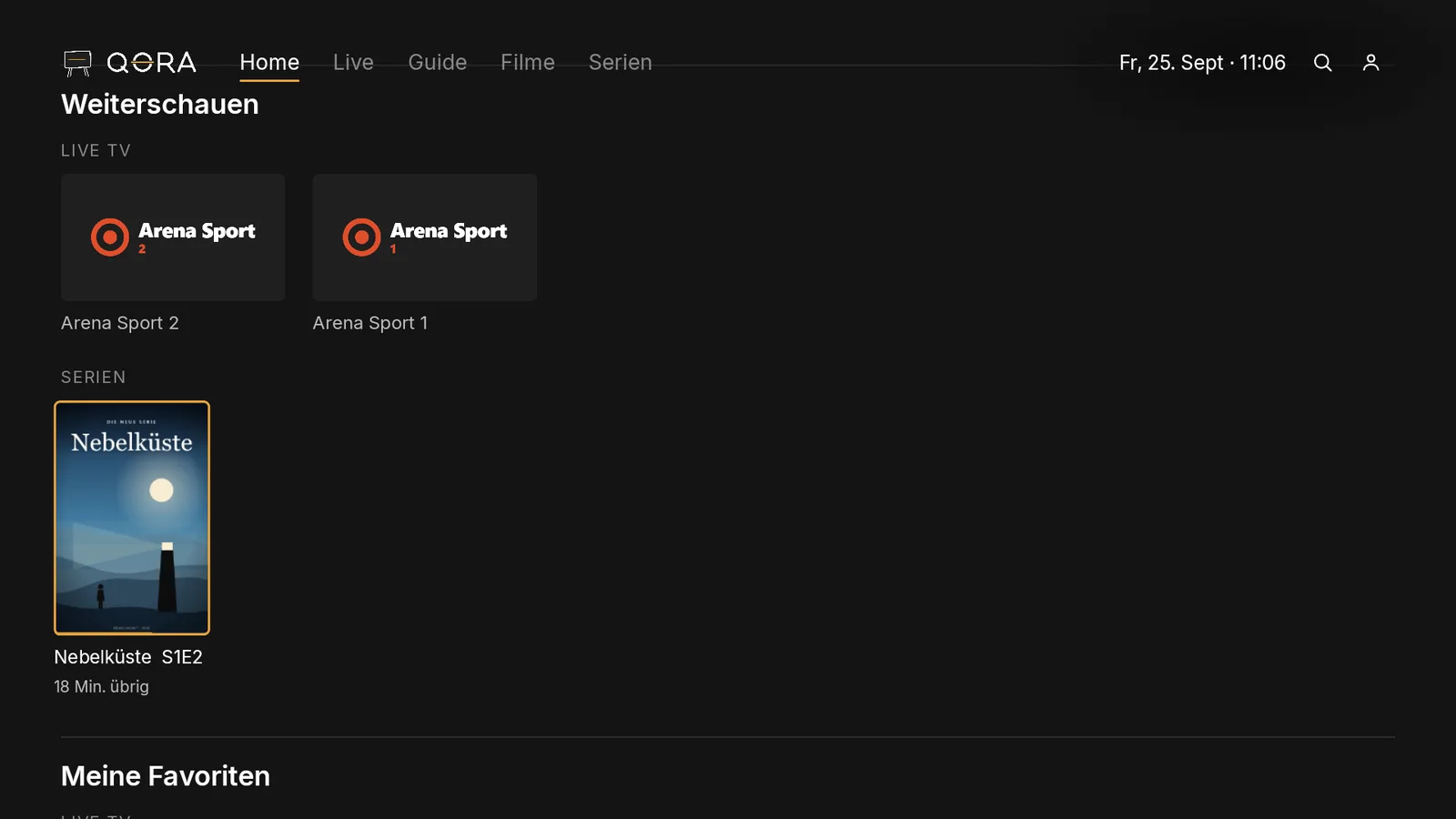
App home screen on TV, „Continue watching“ row on top, one tile with a progress bar
01

Continue watching

You pick up exactly where you left off, even on a different device.
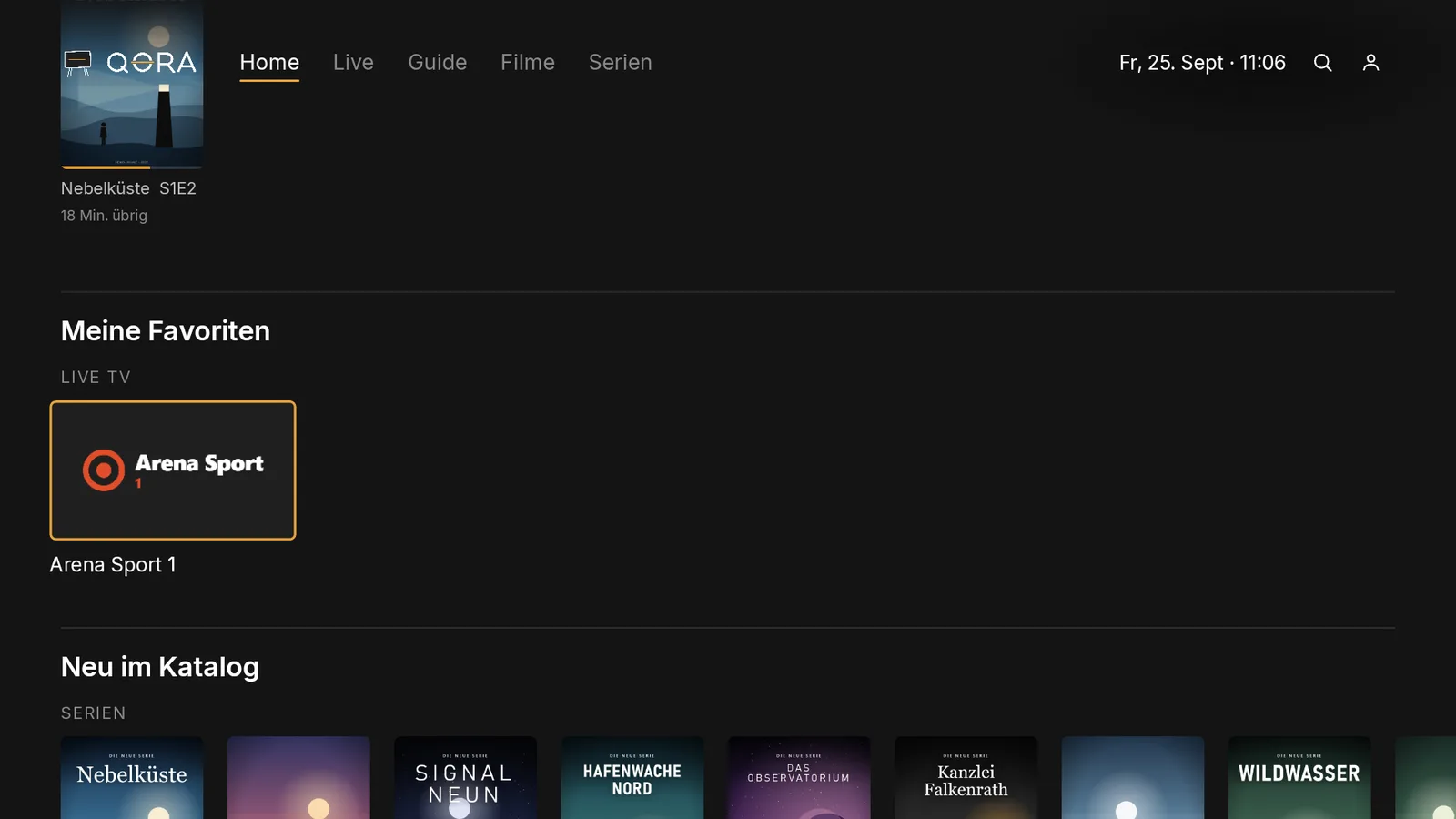
Favorites row on the home screen, 6 channel tiles from the demo provider
02

Favorites

Your favorite channels sit right at the top, one button press away.

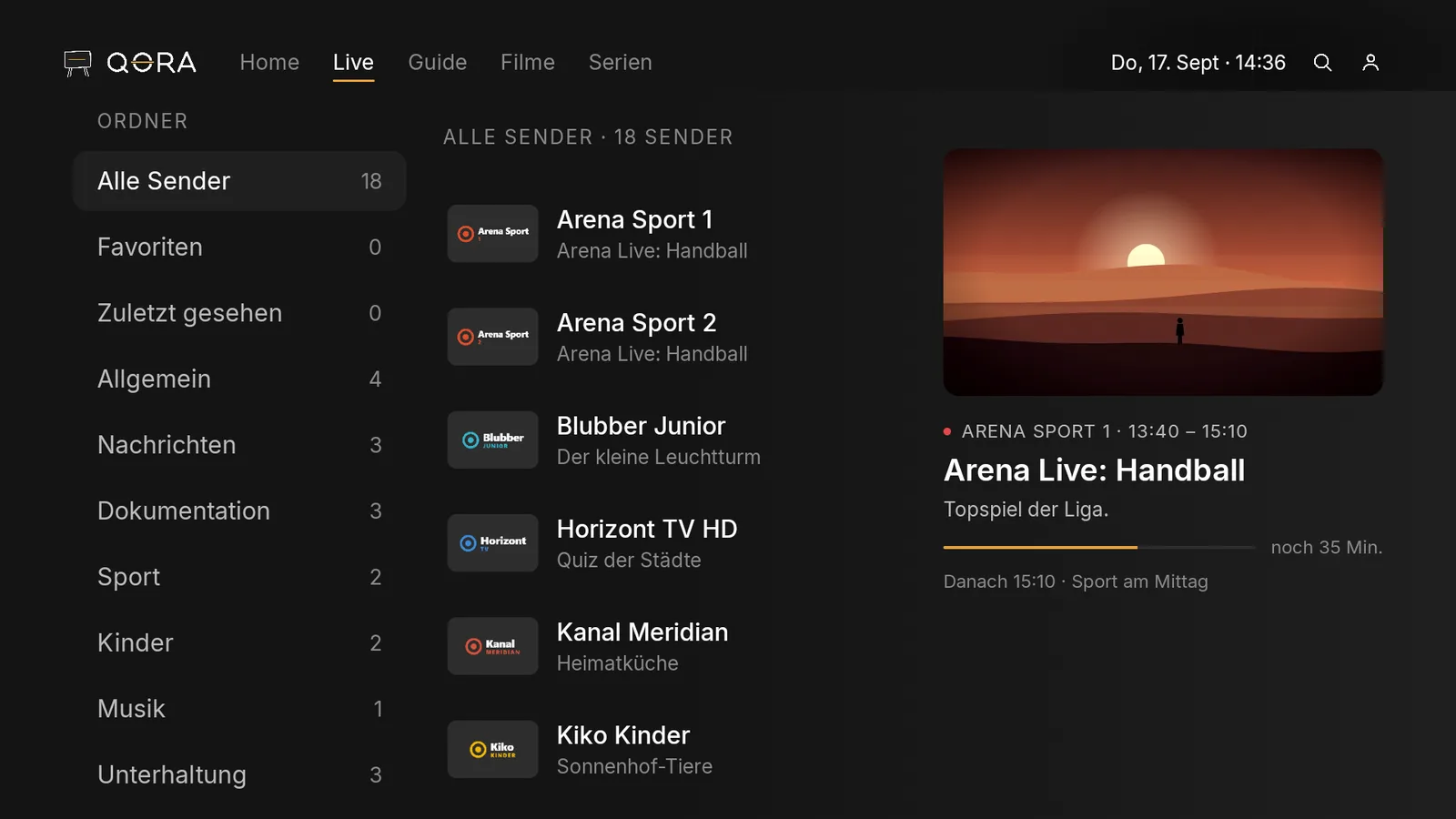
Live view with a program bar, current show highlighted
03

Live with a guide

See what's on now and what's coming up next.

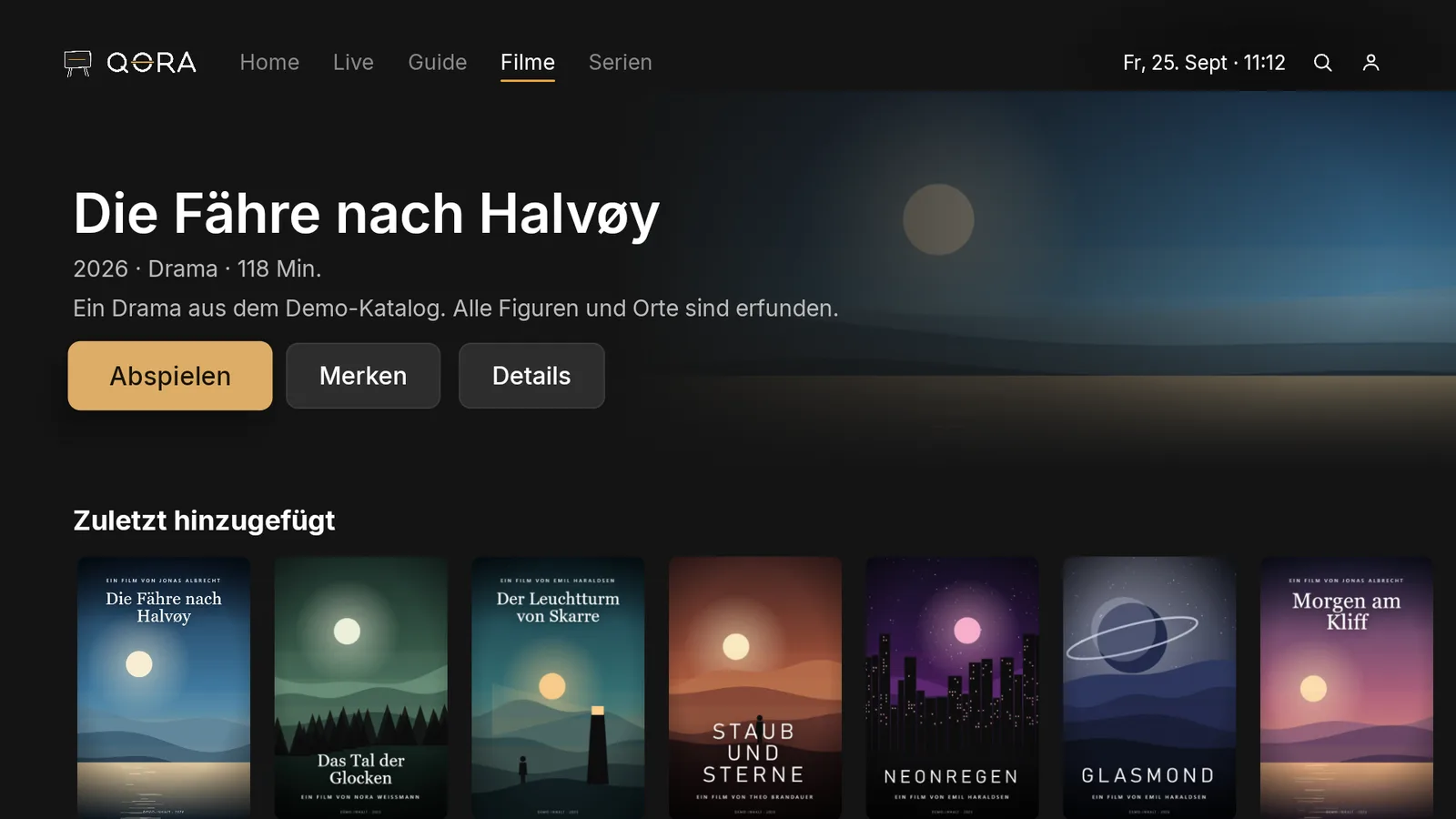
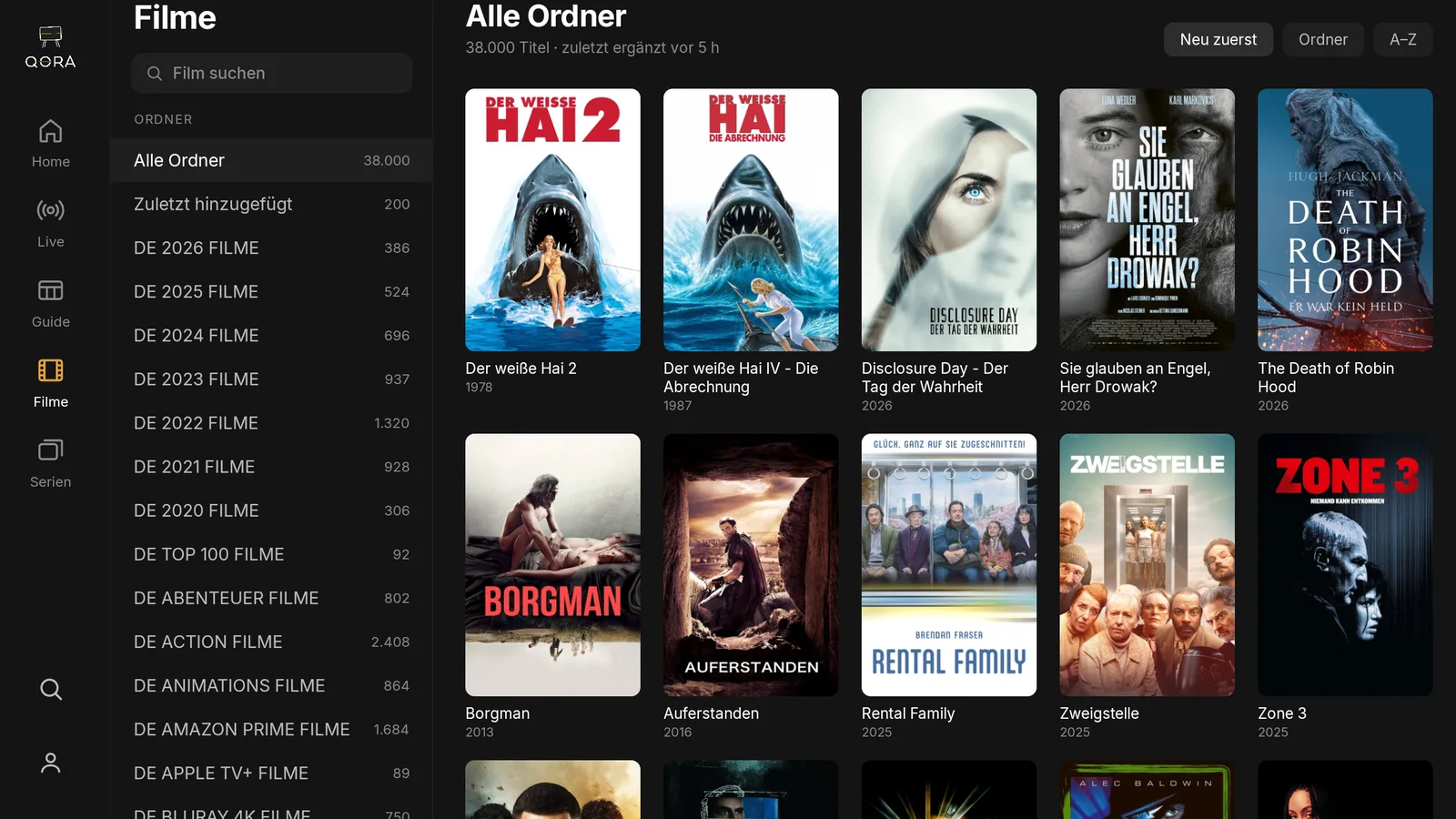
Movies overview, category rows
04

Movies

Your movie catalog, sorted by category instead of endless lists.

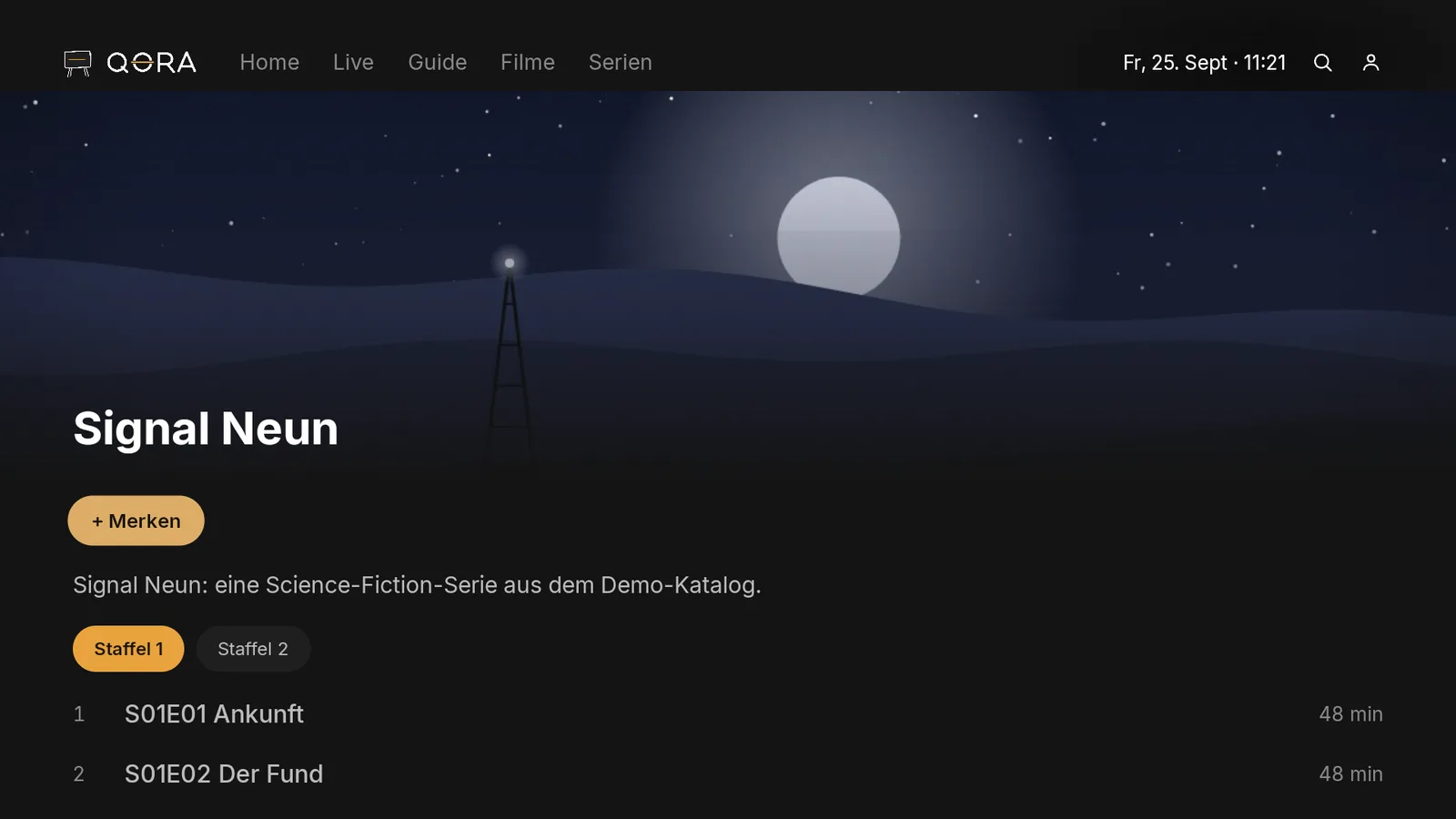
Show detail with seasons and episodes
05

Shows

Seasons and episodes at a glance, the next episode is already marked.

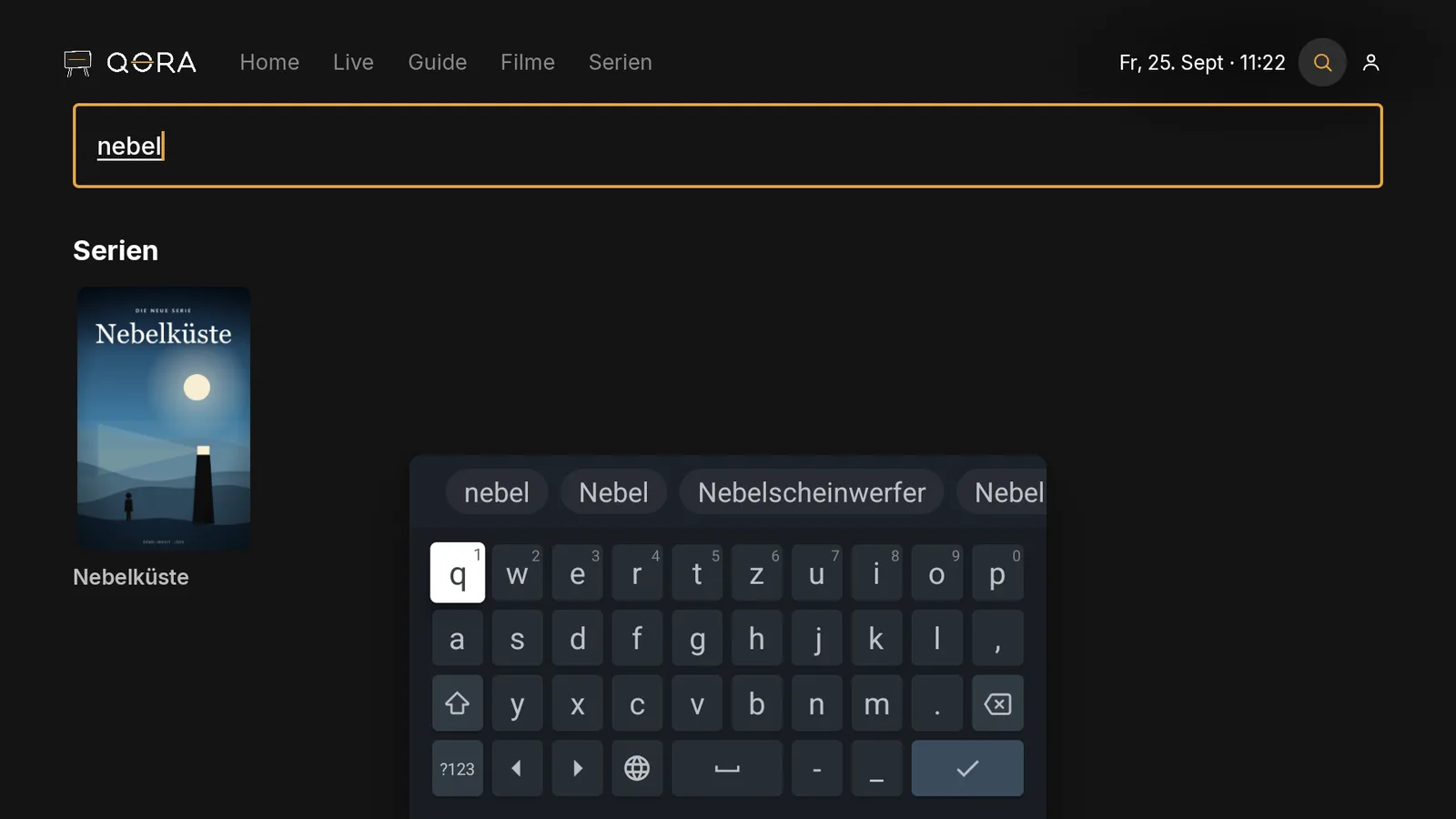
Search with an on-screen keyboard on TV and results
06

Search

A few letters on the remote are all it takes.

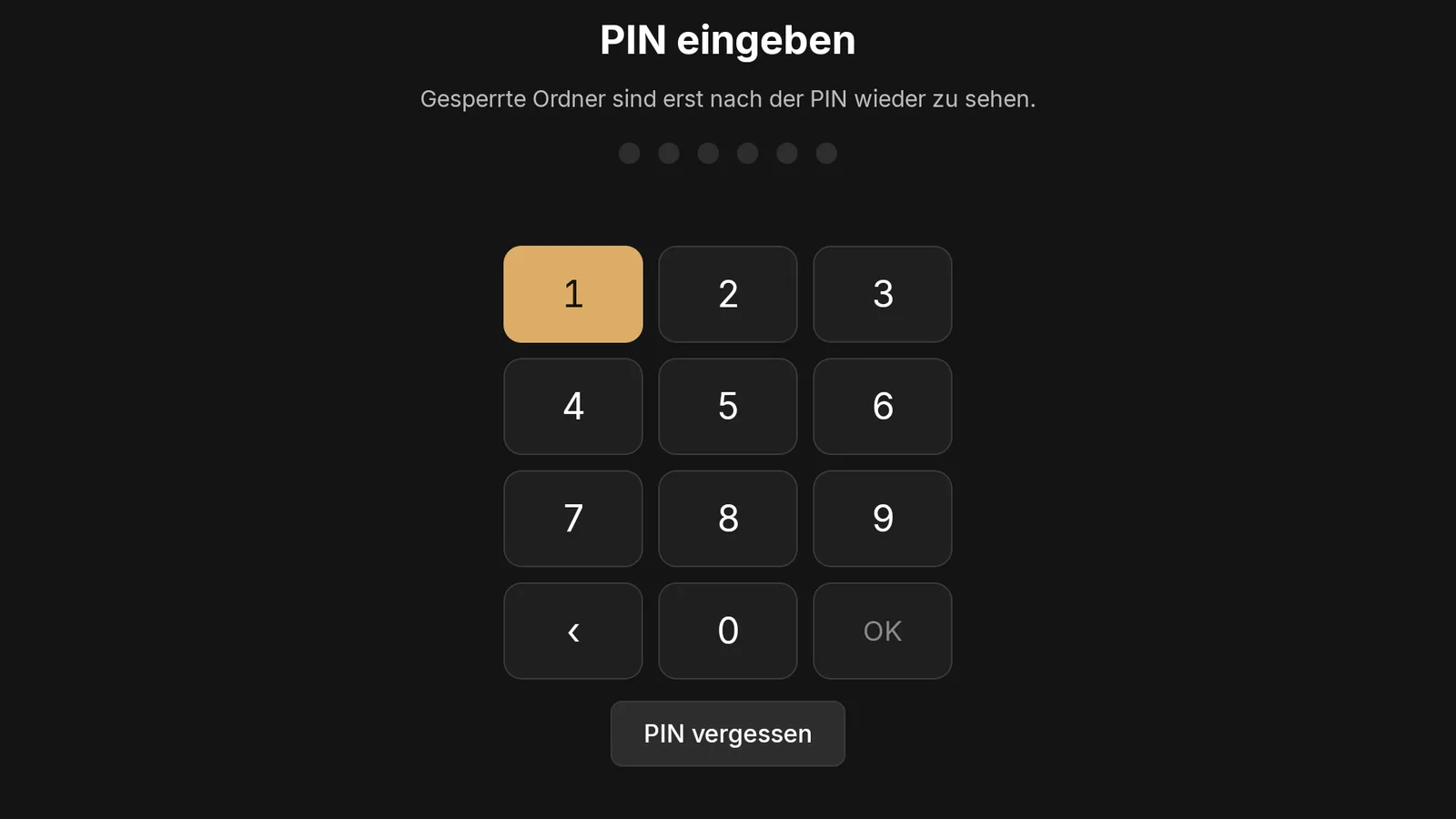
Parental control PIN prompt on TV
07

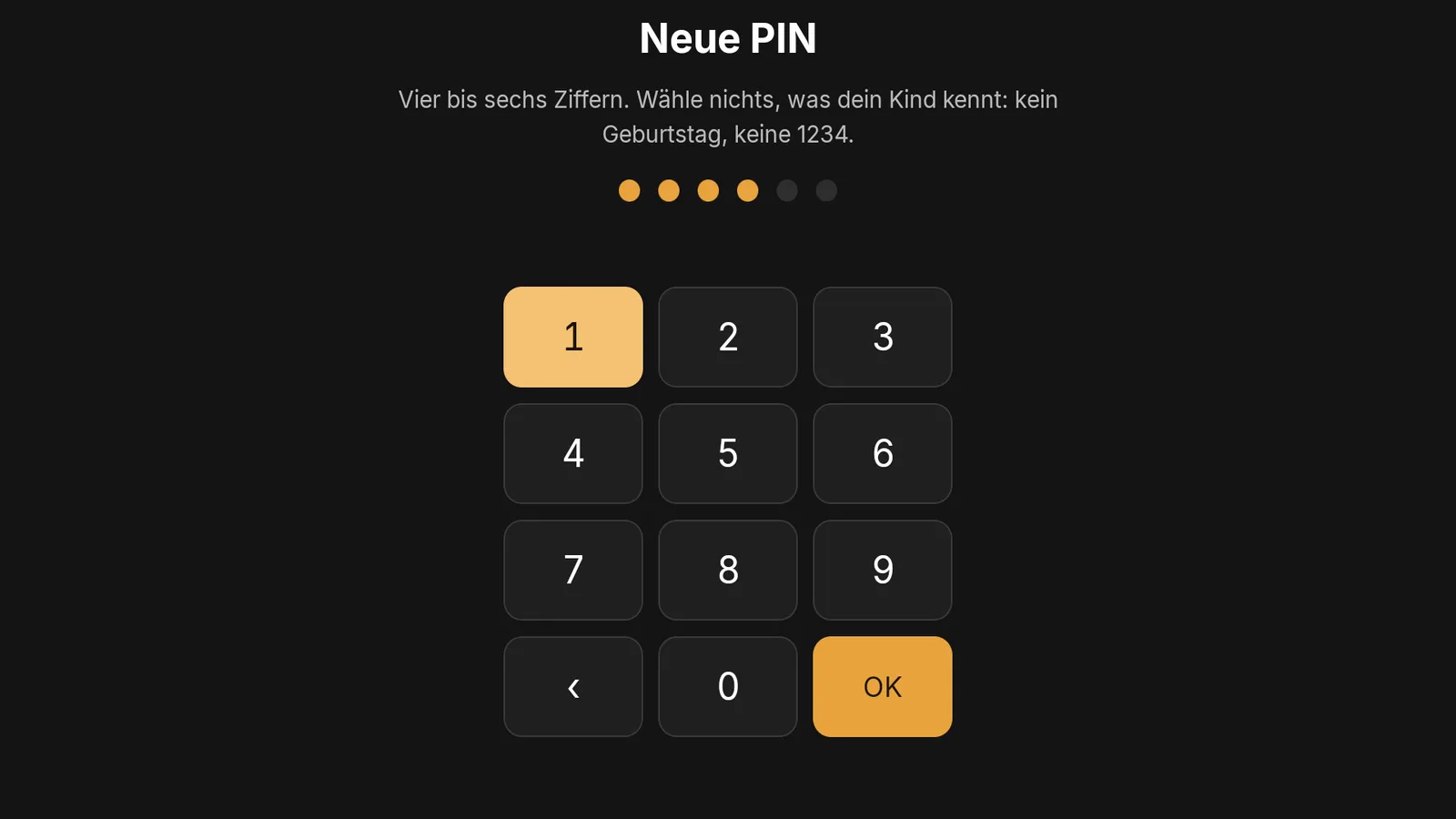
Parental controls

Lock a folder, set a PIN, done.

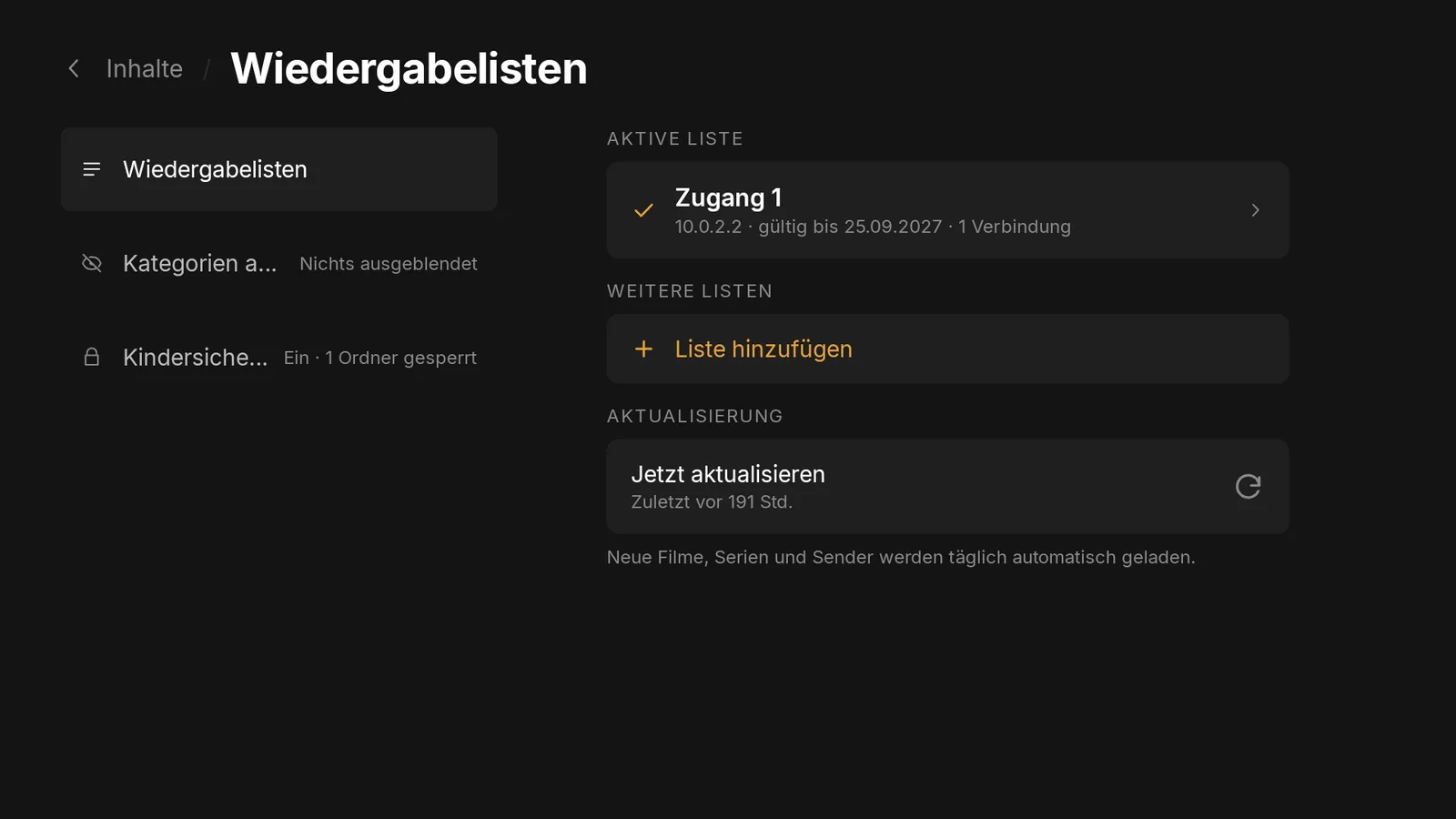
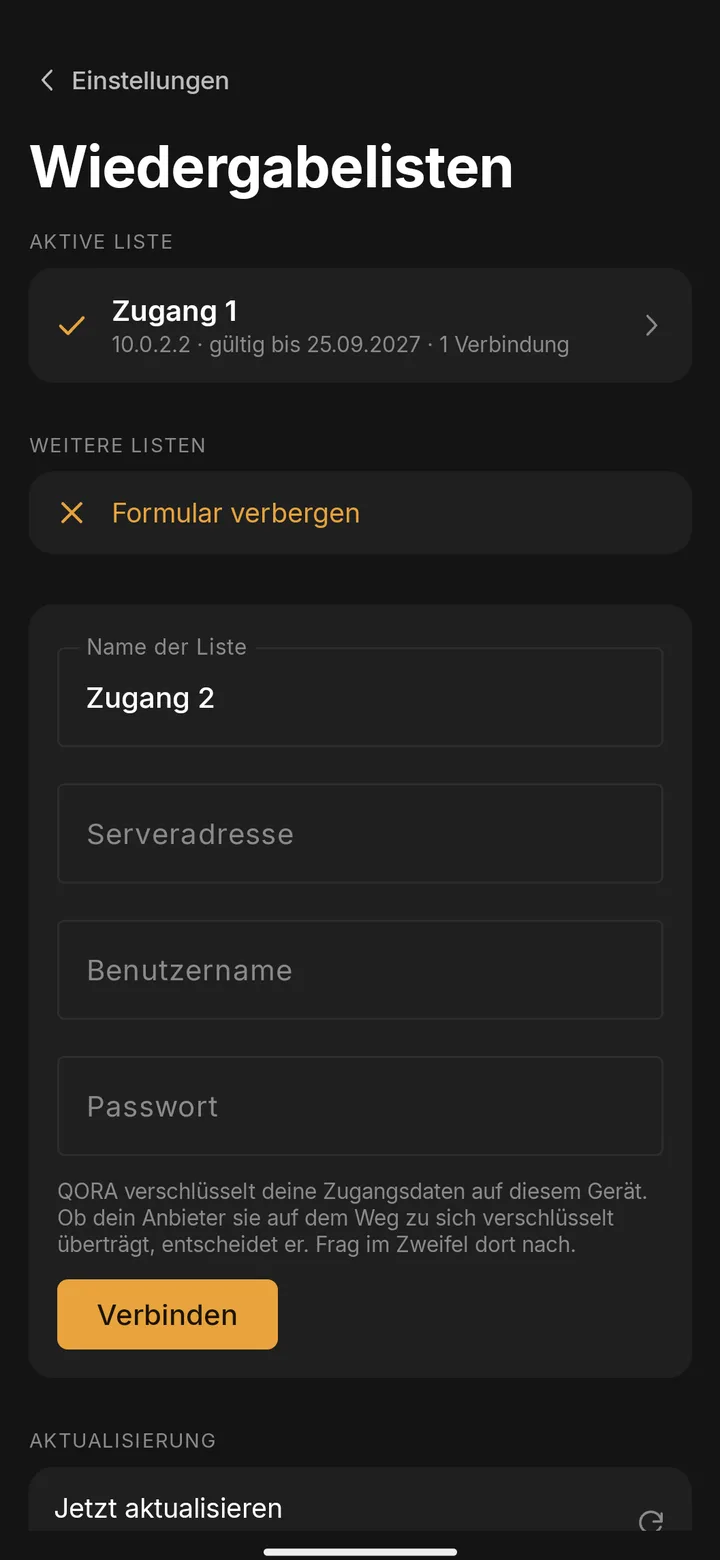
Settings, two provider accounts
08

Multiple accounts

Several providers in one app, kept cleanly separate.

Parental control PIN prompt on TV
Household

For the whole family.

One person sets it up, everyone watches. No tech knowledge needed.

  • Profiles with their own favoritesEveryone in the household has their own list and their own continue-watching spot.
  • Parental controls with a PINLocked folders are invisible anywhere in the app and cannot be played.
  • Works with just the remoteLarge text, a clearly visible focus, arrow keys and OK are all you need.

Profiles are part of QORA Plus. Parental controls are also available for free.

Setup

Three steps, that's it.

  1. 1

    Get QORA.

    From the Play Store, onto your TV, phone, or tablet.

  2. 2

    Enter your provider's access.

    Xtream login details or an M3U link. With QORA Plus you type it in on your phone and send it to the TV.

  3. 3

    Watch, on every device.

    Your provider's channels, movies, and shows, sorted and ready in QORA.

Technology

Built against buffering.

When many players stutter, it's the app's fault. QORA is built so it isn't. If your provider delivers cleanly, your connection is enough, and your device has enough memory, the picture stays as steady as the source allows.

  • Large bufferAt least 6 seconds of lead time. If the provider delivers in bursts, the buffer bridges the gap before you ever see it.
  • Direct pathNo detour through third-party servers. The stream goes straight from your provider to your device, saving delay and points of failure.
  • Restart in a split secondIf the connection drops, QORA reconnects in stages, so your provider doesn't lock the access.
  • Clean channel switchingWhen you switch, QORA releases the old connection immediately. So your subscription doesn't block itself, even if it only allows one connection.
  • Picture watchdog on live TVIf the picture freezes while the sound keeps playing, QORA detects it after 8 seconds and restarts the channel itself.
  • Decoder fallbackIf your device's hardware decoder can't handle a channel, QORA switches to another one, to software if it has to.
  • Easy on memoryIf memory runs low, QORA frees up large catalog lists instead of letting the device choke playback.
  • Playback reportEvery live session writes a log that tells provider, network, device, and app apart. Share it with support from the settings.

With QORA Plus, support checks your report. With QORA Ultra, you get an answer within 24 hours on business days about where buffering comes from.

Pricing

Free on one device.

Free

€0forever

  • Everything on one device
  • Live TV, movies, shows, and search
  • Favorites and continue watching on this device
  • Parental controls with a PIN
  • One provider account
Notify me

QORA Plus

€9.99per year

  • All devices connected
  • Continue watching and favorites everywhere
  • Send your access from phone to TV
  • Multiple provider accounts
  • Full TV guide
  • Household profiles with parental controls
  • Playback report, checked by support
Notify me

QORA Ultra

€14.99per year

  • Everything in QORA Plus
  • Buffering analysis: an answer within 24 hours on business days
  • A clear cause: provider, internet, device, or app
Notify me

No ad banners. No lifetime promises. Cancel anytime.

Questions

Frequently asked questions.

All questions in Help
Does QORA provide channels, movies, or shows?

No. QORA is a player. All content comes from your own provider, whose access you enter into QORA.

Does QORA work with my TV provider?

Yes, if it provides Xtream login details or an M3U list. Those are the two common formats for an IPTV access. If in doubt, ask your provider which one it uses.

Which devices does QORA run on?

On Android TV, Google TV, and Fire TV, plus Android phones and tablets. Windows and Apple devices are coming.

How much does QORA cost?

Nothing on one device, forever. QORA Plus connects all your devices and costs €9.99 a year. QORA Ultra costs €14.99 a year and answers buffering issues within 24 hours on business days. You can cancel anytime.

Is my access data safe?

Your provider's access stays on the device where you enter it. With QORA Plus, you sync it encrypted across your devices. It's stored encrypted in the Android Keystore (AES-256-GCM), never as plain text. If you use device sync with QORA Plus, the transfer runs exclusively encrypted via HTTPS to our servers in Frankfurt.

How do I delete my account?

On the "Delete account" page, you sign in and confirm the deletion. Without an account, there's nothing to delete: uninstall the app and everything's gone.

Guides

Set up step by step.

Download

Get QORA.

For Android TV, Google TV, Fire TV, Android phones, and tablets. More platforms are coming.

AndroidComing soon

TV, phone, and tablet with Android.

Notify me
WindowsComing soon

QORA for your PC.

Notify me
AppleComing soon

iPhone, iPad, and Apple TV.

Notify me
App home screen on TV, a calm evening view

The best way to watch TV.

TV · Phone · Tablet · always in sync

Notify me